Introduction
MZ is a modern ERP system that helps business owners to organize and control their daily business and activities in an effective way, which combines the sections of sales, purchasing, factory, POS, HR, and many other sections in one platform.
It provides financial reports in real-time and directly so that managers and business owners can see the results of the work daily and clearly, and it supports several features.
- Multi-currency transaction
- Multiple branches
- Custom user roles
These features make it a suitable system for small, medium, and large businesses alike.
It also helps to reduce errors, confusion, ambiguity, and waste of time. In short, MANAGEMENT ZONE ERP is a reliable and powerful tool that organizes all the commercial and financial processes of companies and business owners in the fastest, easiest, and smartest way.
Main Sections
- Dashboard
- Items — Create, Update, Import
- Sales — Create, Update
- Purchases
- Installments
- Reminders
- Sales Returns
- Expenses
- Payments
- Discounts
- Entries
- People (Customers and Suppliers)
- Accounts
- Reports
- Settings
Login
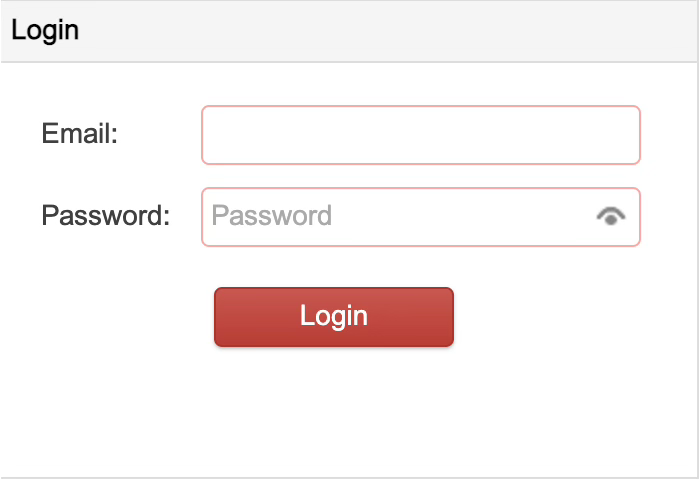
After going to the Web address, the Log in page will appear, where we need to enter our own User and Password, which will then take us to the first and main section, which is the Dashboard.
Note: Each branch and each user can have their own secret word, and each of them can use the same secret word as desired in the event of more than one branch and user.